
Keeping an accurate record of your team's working hours is one of the biggest challenges any company faces, especially in the construction industry. Errors when logging time sheets can affect project costs, productivity, and profitability.
That's why having an app for logging work hours not only saves time, but also ensures accuracy and transparency. In this article, you'll discover what a good application needs to do this effectively, and why Trowel is positioned as one of the best alternatives on the market.
Why digitize work hour tracking?
Traditionally, time sheets were done on paper or in spreadsheets, which led to errors, duplicated information, and data loss. Digitizing this process with an app brings major advantages:
- Greater accuracy: hours are logged in real time, without relying on manual reports.
- Transparency: all records are stored and can be audited easily.
- Time savings: fewer administrative tasks and fewer corrections.
- Full project visibility: allows you to analyze hours invested per task, team, or project phase.
Features a good work time sheet app must have
When choosing a tool to manage work hours, it's important that it meets certain key criteria:
1. Ease of use
The team must be able to log their hours from any device, without complications. A simple interface increases adoption and reduces errors.
2. Real-time logging
The app must allow hours to be recorded at the exact moment tasks are performed, ideally with geolocation or assignment by project.
3. Integration with other tools
An effective app must be able to integrate with project management, site control, or payroll systems, making data synchronization easier.
4. Automatic reports
Automatic reports help analyze performance, productivity, and costs per employee or project.
5. Permission and role control
Each user should only have access to the information that pertains to them, ensuring security and data traceability.
Why Trowel is the best app for logging time sheets in construction
Trowel was designed specifically for the construction and civil works sector, where hour tracking is essential. Unlike other generic apps, Trowel combines logging, control, and analysis in a single system.
Key features:
- Daily hour logging by employee, crew, or task.
- Direct assignment to projects or work phases.
- Automatic validation by the foreman or supervisor.
- Integration with site management, costs, and budgets.
- Control panels with real-time productivity analysis.
Benefits for your company:
- Reduction of time sheet errors by up to 90%.
- Improved labor cost control.
- Increased administrative efficiency.
- Complete digitization of the tracking and reporting process.
With Trowel, your field and office teams will be fully synchronized, ensuring every hour worked is recorded correctly.
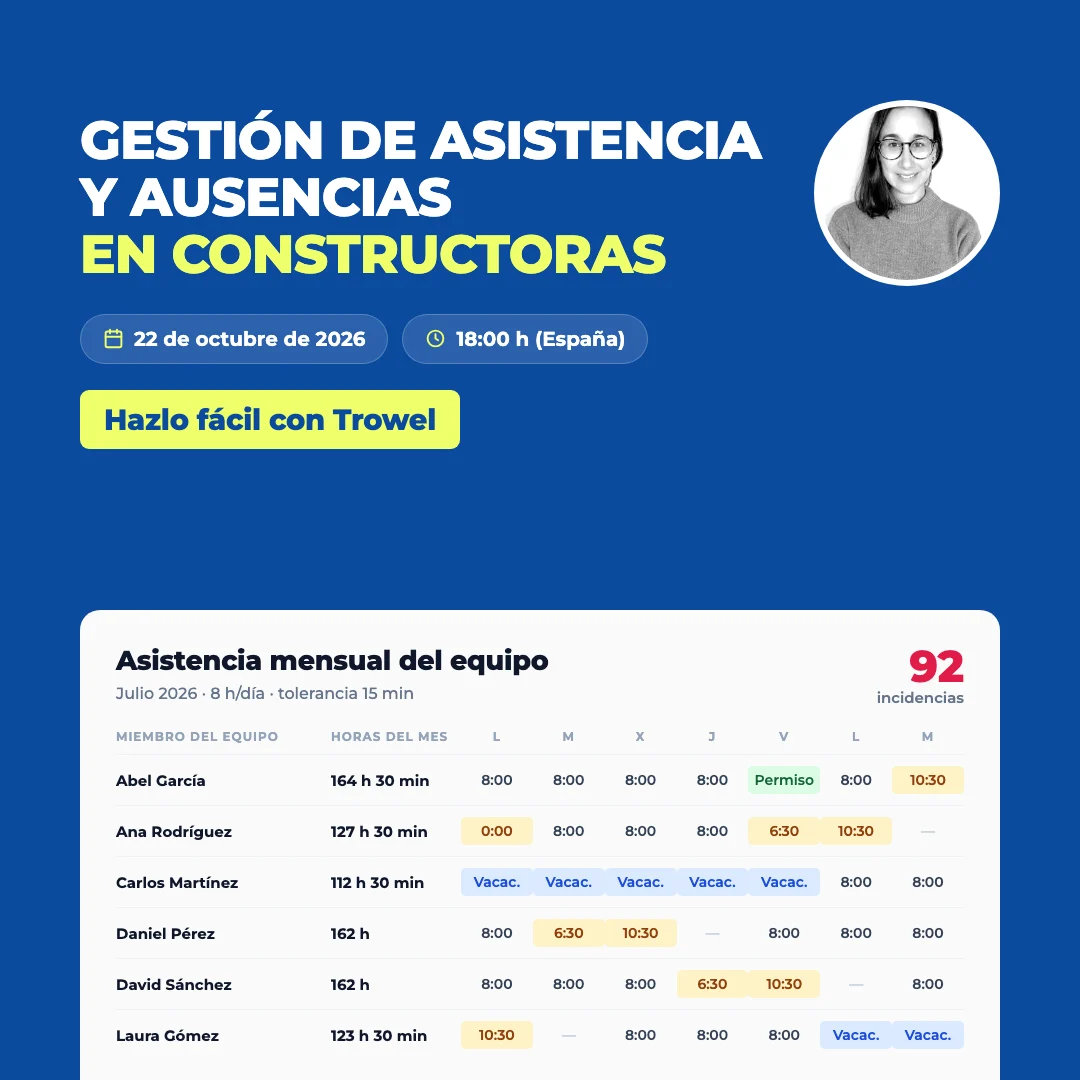
How to implement a time tracking app step by step
- Assess your needs: define whether you'll track by person, task, or project.
- Train your staff: a brief training session ensures quick adoption.
- Automate reports: configure alerts and automatic reports.
- Monitor results: analyze the data to optimize your resources.
Implementing an app like Trowel is straightforward and will give you full control over time and productivity on your job sites.
Simplify your site management.
WorkersForemenSite SupervisorsProject ManagersExternal
Conclusion
Choosing the best app for logging work time sheets depends on your needs, but if you work in the construction sector, Trowel offers the perfect combination of usability, accuracy, and advanced analytics.
With Trowel you'll be able to digitize your time sheets, optimize resources, and ensure the profitability of every project, all from a single platform.